

Screen Printing and Block Printing on Plain Canvas Bags
Printing is the fastest way to put one design on many bags: a logo for an event, a pattern for your brand or a class project. India has a long block-printing tradition, and cotton canvas takes both block prints and screen prints well. Here is how to get clean results.
Which bag prints best?
| Bag | Print quality | Best use |
|---|---|---|
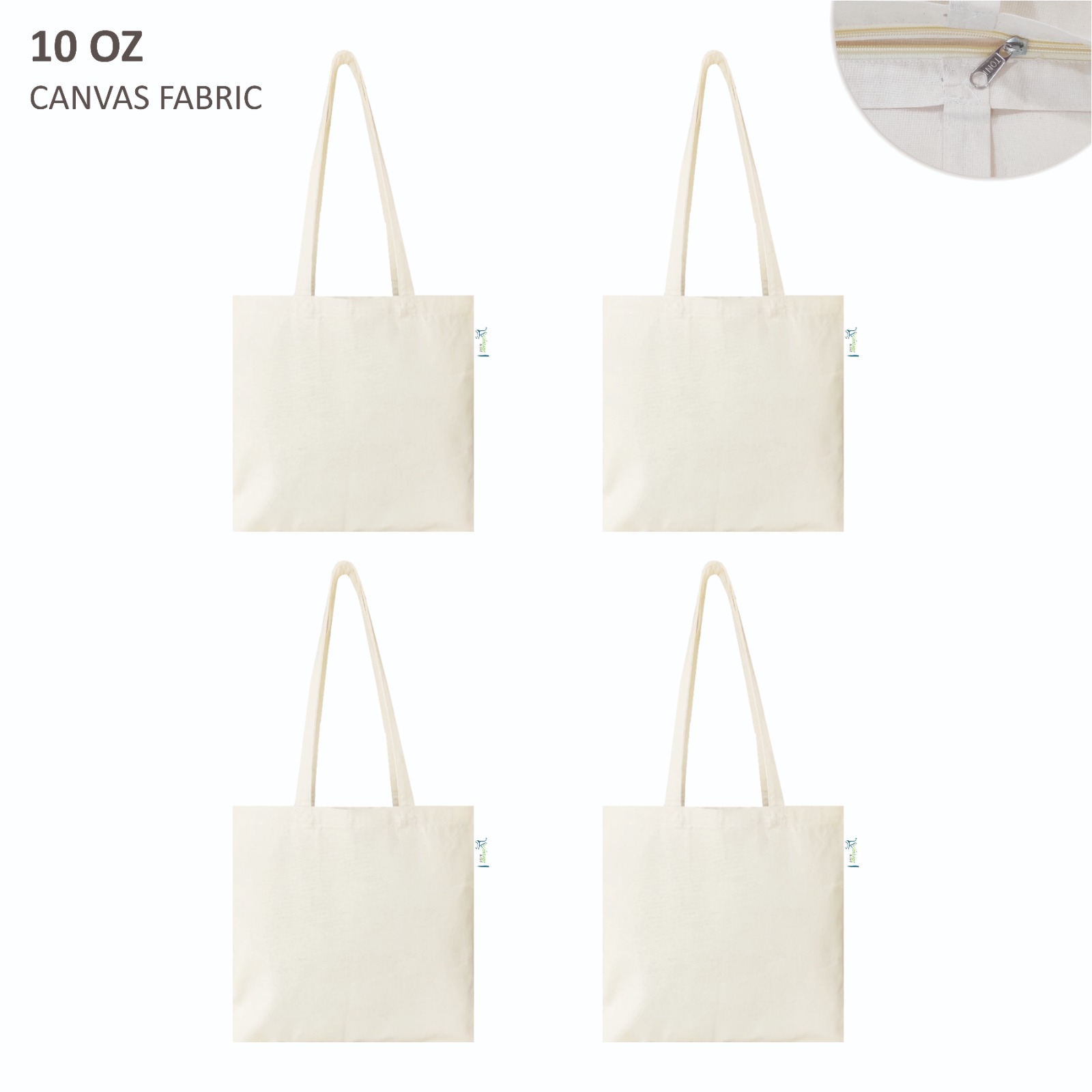
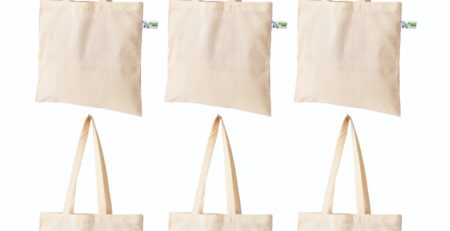
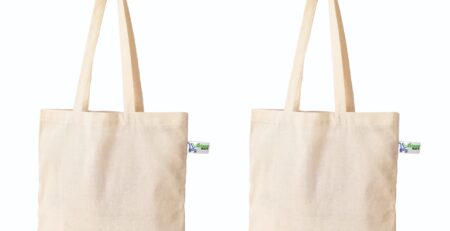
| 10 oz tote, 40 × 40 cm | Sharpest edges, even ink | Logos, detailed artwork, brand merchandise |
| 5 oz tote, 38 × 40 cm | Good for bold, simple designs | Event giveaways, one-colour logos |
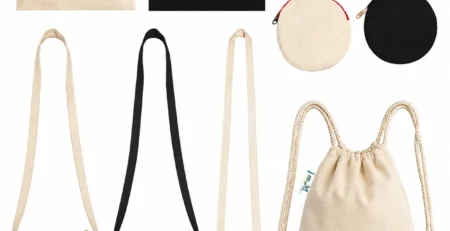
| Drawstring backpack, 12 × 11 inch | Good on the flat front panel | School, sports and conference kits |
| Pouches | Good for small motifs | Matching sets with totes |
Dense canvas stops ink from spreading into the weave, which is why 10 oz gives cleaner edges. Compare in 5 oz vs 10 oz canvas.
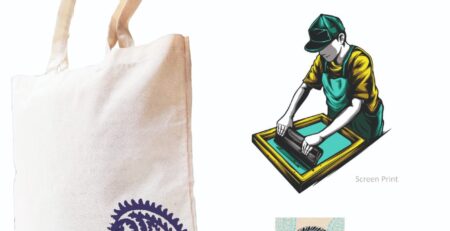
Screen printing: step by step
- Prepare the screen with your design, using a mesh suited to textile ink.
- Iron the bag flat and place a board inside so the back panel stays clean.
- Mark registration on the board so every bag sits in the same position.
- Flood and pull the ink with one firm, even stroke of the squeegee.
- Lift straight up and check the print before the next bag.
- Cure with heat as your ink brand specifies: a heat press, a flash dryer or a hot iron through cloth.
Use water-based textile ink for a soft feel; plastisol ink sits on top of the fabric and needs higher curing temperatures.
Block printing: step by step
- Choose wooden blocks with clean, deep carving.
- Pad the table with a few layers of felt or old blankets so the block presses evenly.
- Ink the block evenly from a padded tray.
- Press firmly and tap the back of the block with your palm.
- Repeat the pattern using the edge of the last print as a guide.
- Dry and heat-set with an iron on the reverse.
Practise on a pouch or an old cloth before the first bag.
Common problems and fixes
- Blurry edges: too much ink, or the bag moved; tape the bag down.
- Patchy print: not enough pressure, or a thin fabric absorbed ink unevenly; switch to 10 oz.
- Ink on the back panel: always use a board inside.
- Print washes out: curing was too short or too cool.
Printing at scale
We supply plain blanks only and do not print. For large runs, a local screen printer can work from our blanks; WhatsApp us the quantity and bag type for a bulk quote on the plain bags. If you are starting a printing business yourself, see our existing guide to starting a canvas bag printing business in India.
Frequently asked questions
Can I print on black canvas bags?
Yes, with opaque or white-base inks. Print a white underlayer for bright colours.
What is the best ink for tote bags?
Water-based textile ink for a soft finish, or plastisol for bold, opaque colours. Follow the curing instructions exactly.
Do I need to wash bags before printing?
Usually not. If your ink brand recommends it, wash without fabric softener and iron flat.
Ordering in bulk? Message us on WhatsApp at +91 90999 99066 for bulk pricing. New buyers get 10% off with code VKART10, carts with 4 or more products get another 10% off automatically, and every order earns 5% cashback in your VantageKart Wallet. Shipping is free on prepaid orders across India.
Share this post

Leave a Reply
You must be logged in to post a comment.

Comment (1)
[…] paint or acrylic with fabric medium, in thin layers. For block printing, follow the steps in our printing guide. Heat-set from the reverse once dry. Details are in the best paint for […]